
Getting Started with Your TYC Members Portal
Welcome to the Tammany Yacht Club Members Portal, a private online space designed to help our members stay connected and access important club information.
What's Inside?
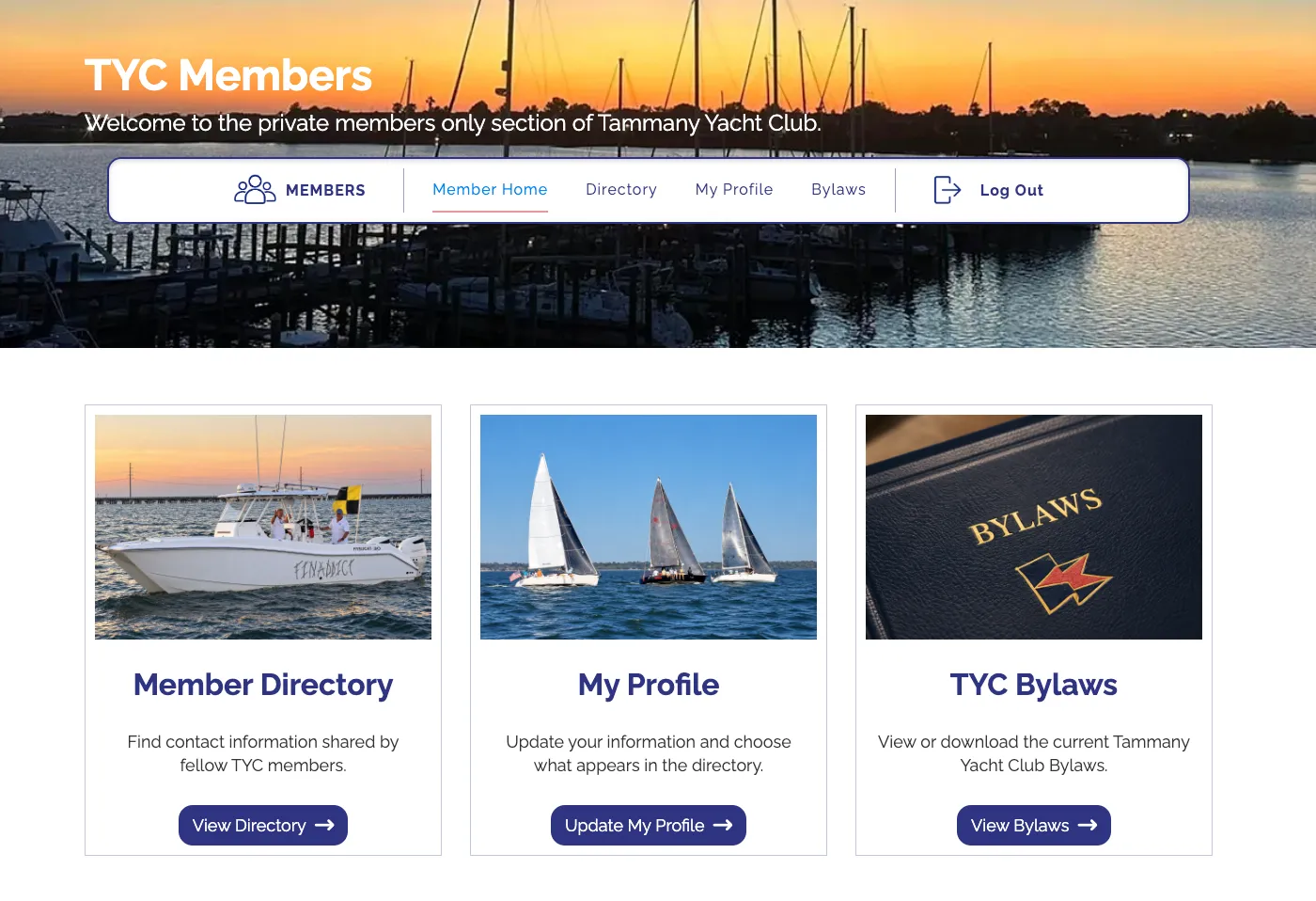
- Member Directory: Connect with fellow TYC members.
- My Profile: Update your information and choose what you'd like to share with other members.
- Club Information: Find important club documents in one convenient place. The TYC Bylaws are available now, and additional resources may be added over time.
One Membership, One Login
Each TYC membership has one portal account. If you share a membership with a spouse or partner, you’ll use the same email address and password.
Your portal account is already set up. To create your password, use the email address TYC has on file for your membership. You’ll need access to that inbox to receive your six-digit code.
Let's Get You Logged In!
Your account is ready. You just need to create your password.
Before you begin: Use the email address that TYC has on file for your membership. If you share your membership with a spouse or significant other, you’ll both use this email address and the same password.
Step 1: Open the Member Login Page
Click the button below to open the login page. Leave the email and password fields blank. Select “Forgot password?” below the login form.
Although you haven’t forgotten a password, this is how you’ll create your first one because your account already exists.
Set Up Your Portal Password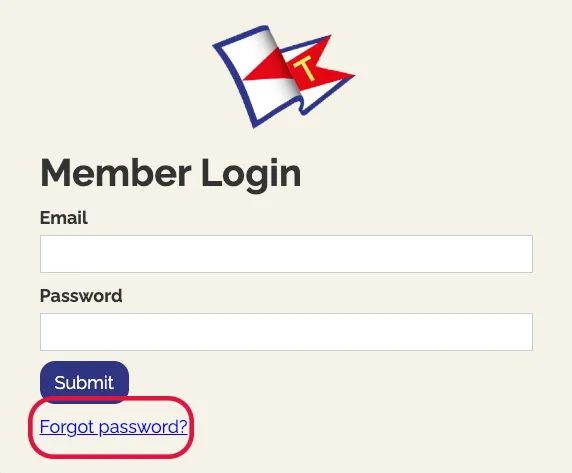
Step 2: Request Your Password Email
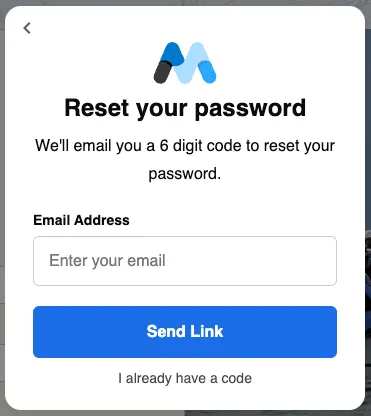
Enter the email address that TYC has on file for your membership, then select Send Link. A box will open asking for a 6-digit code. Keep that box open while you check your email.
Step 3: Check Your Email and Create Your Password
After you select Send Link, a window will appear asking for a 6-digit code. Leave that window open.
- Look for an email from MEMBER LOGIN in the designated member’s email inbox in another tab, window, or your email app.
- Find your 6-digit code.
- Return to the code window. Type the 6-digit code into the space provided and follow the onscreen instructions to continue.
- Create your new password. Follow the prompts to enter and save your new password.
Code hasn’t arrived?
- Allow a few minutes, then check your spam or junk folder.
- Make sure you used the designated member’s email address where the portal invitation was originally received. Another email address you use may not be registered.
The code-entry window appears even if the email address isn’t registered. If you’re unsure which email to use, haven’t received a portal invitation, or still aren’t getting a code, contact Beth at bethapplewhite.nola@gmail.com for help.
Step 4: Enter the Members Portal
Return to the Member Login page and sign in with your email address and new password.
- Email: The same email you used to request the code.
- Password: The new password you just created.
Then select SUBMIT. If you’re already inside the portal after setting your password, continue to Step 5.
Step 5: Complete and Save Your Profile
Inside the portal, select My Profile.
You can use the Members Portal even if you choose to stay out of the Member Directory. If you choose to be listed, you decide which contact details other members can see.
- Review and complete your contact information, including your spouse or significant other’s information (if applicable) where indicated.
- Choose whether you would like to appear in the Member Directory.
- Use the Yes/No choices to select which details you want other members to see.
- When you’re finished, select SAVE PROFILE to save your information and choices.
You can return to My Profile whenever you need to update your information or change your sharing preferences.
Your Profile, Your Privacy
Joining the Member Directory is optional. If you choose to be listed, you decide which contact details other members can see. You can change your choices anytime under My Profile.
Easy Access Anytime
After your initial setup, you won't need to return to this email to access the portal. Simply visit www.tammanyyachtclub.org and click the red Member Login button at the top of the homepage. Use your designated membership email address and password to sign in.
Need a Hand?
We're happy to help! If you have trouble setting up your password, logging in, or updating your profile, please email bethapplewhite.nola@gmail.com.
We're excited to bring this new feature to TYC and look forward to making it even better in the months ahead.